Answer invitations
Who can do this
Anyone invited to the meeting.
A meeting someone else organized, which you haven't answered yet, has a dashed edge in your calendar.
Answer in the calendar
Click the meeting, then Accept, Maybe or Decline next to RSVP.
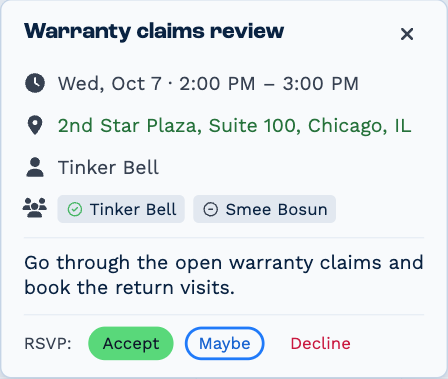
The organiser sees your answer on the meeting, and if your calendar is connected, Outlook or Google is updated too. Your answer then shows in place of the buttons — Accepted, Maybe or Declined — with Change to answer differently.
Decline takes the meeting off your calendar.
Answer in the Inbox
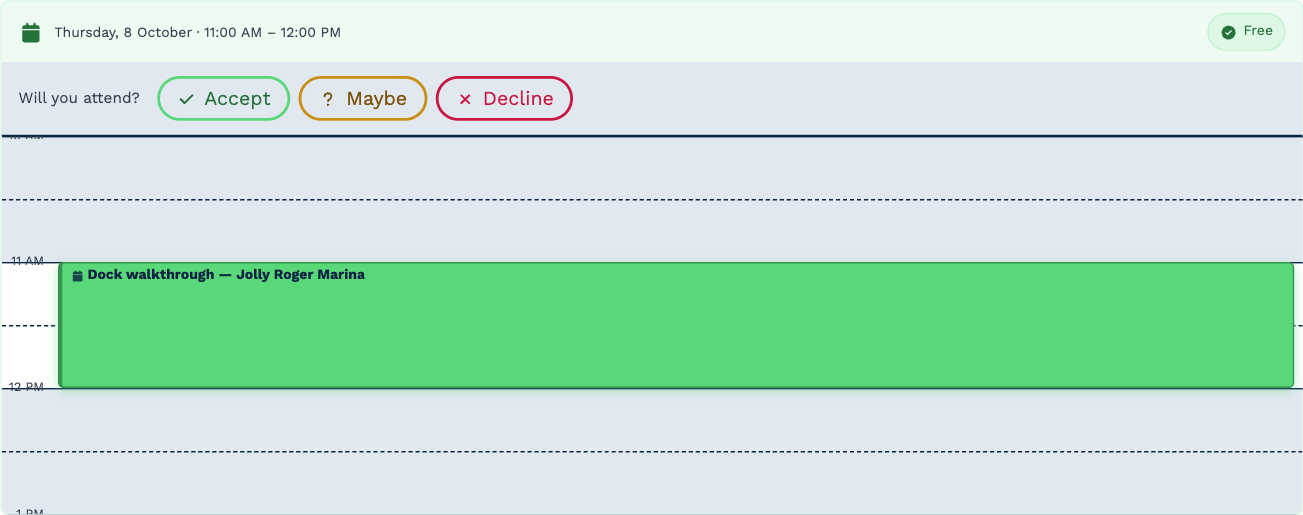
An invitation emailed to you also arrives in your Inbox, as a Calendar Invitation. It shows your day around the meeting, marked Free or Clash, and asks Will you attend? — answer with Accept, Maybe or Decline. You can change your answer later.
When a guest proposes a new time
Guests using Outlook or Google can propose a different time. You'll find it on the invitation in your Inbox, as the meeting's organiser: New time proposed · the meeting has not moved, with the time they suggested.
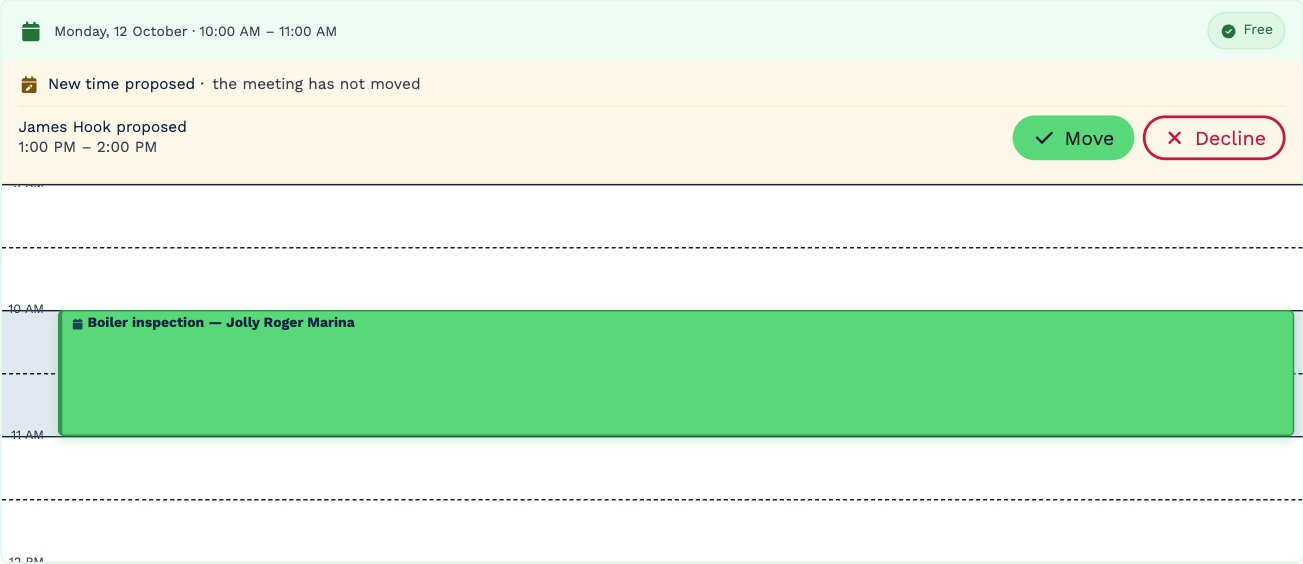
- Move — moves the meeting to the proposed time. Everyone is told.
- Decline — keeps the meeting where it is.
Nothing changes until you choose. A proposal is only a suggestion.