Notifications
Who can do this
Everyone, for themselves.
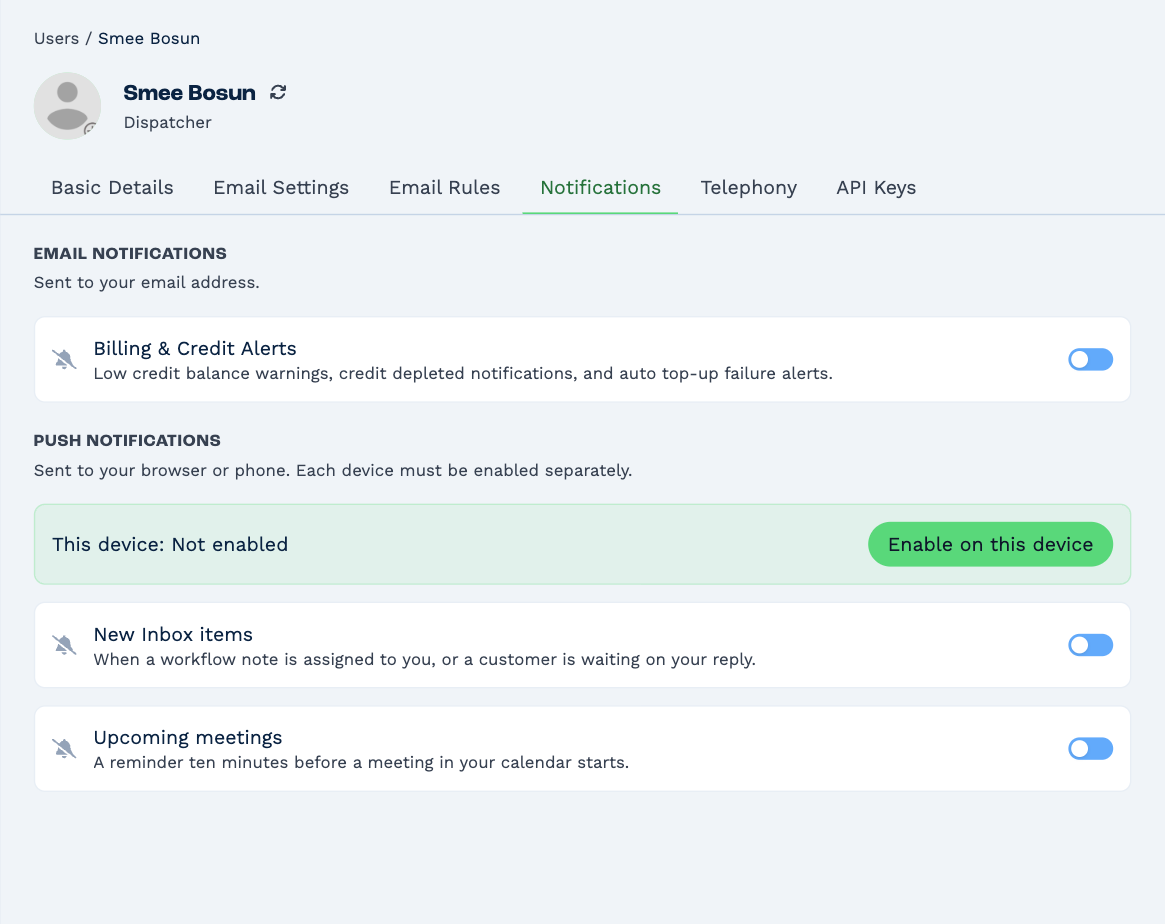
Click your name in the top right, then Settings. Pick yourself in the Users list and open the Notifications tab.
Push notifications
Push notifications pop up on your computer or phone even when BaseCloud isn't the window you're looking at.
- Click Enable on this device, and allow notifications when your browser asks.
- Turn on the ones you want:
- New Inbox items — a workflow note is assigned to you, or a customer is waiting on your reply.
- Upcoming meetings — a reminder ten minutes before a meeting in your calendar starts.
Each device is turned on separately: do it once on your computer and once on your phone. Send test notification checks it works, and Turn off on this device stops them there.
If the panel says Blocked by browser, notifications for BaseCloud are turned off in your browser. Allow them in the browser's site settings, then reload the page.
On an iPhone or iPad, notifications only reach BaseCloud once it's on your Home Screen: open it in Safari, tap Share → Add to Home Screen, then enable notifications from there.
Email notifications
Billing & Credit Alerts emails you when the account's credit runs low or out, and when an automatic top-up fails.
The bell
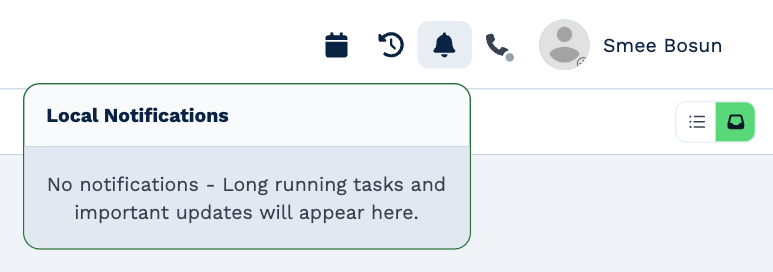
The bell in the top bar shows the progress of long jobs you started, such as an import or an export, and other important updates while you're signed in.