Find your way around
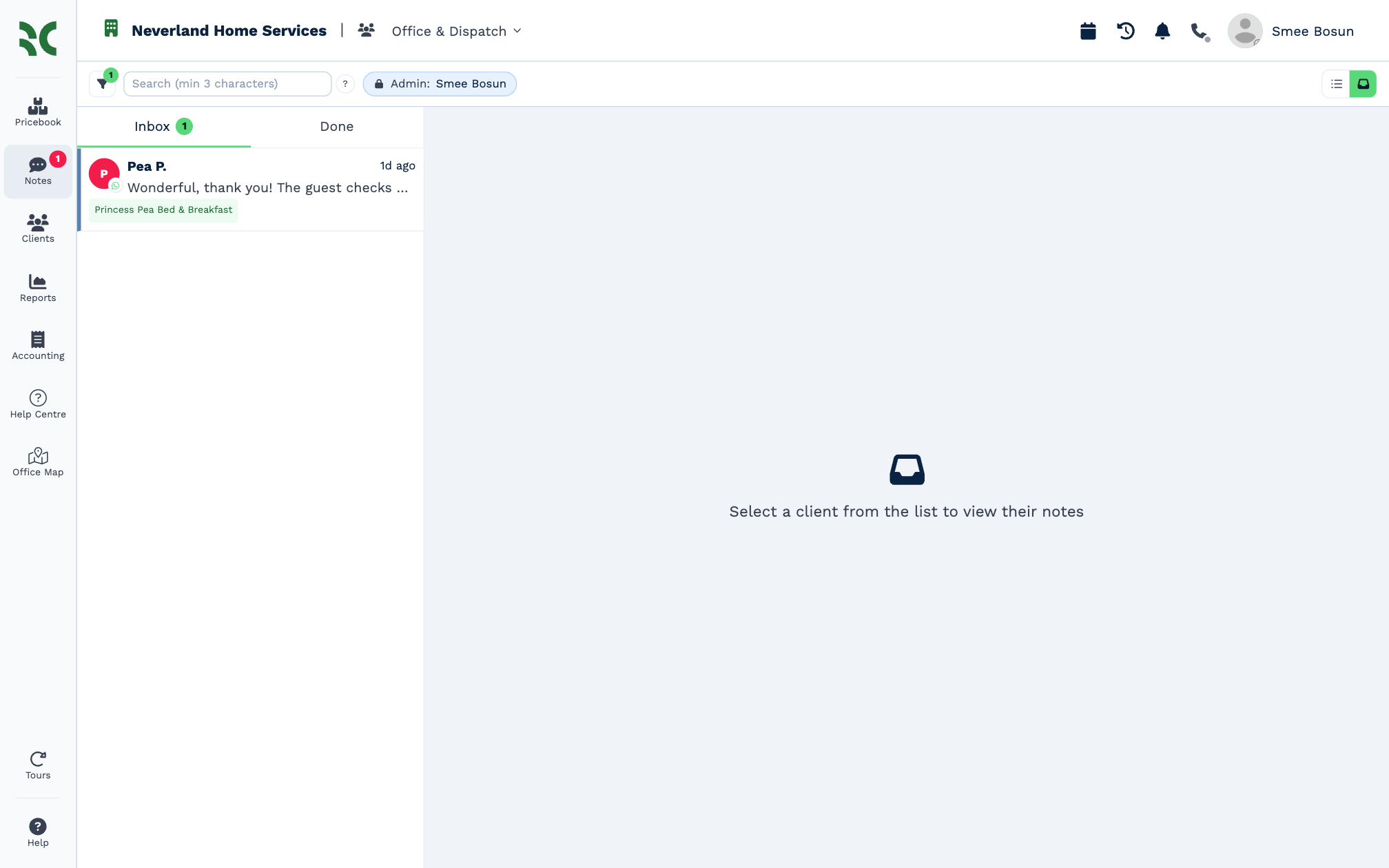
Every page in an account has the same frame: the sidebar on the left and the top bar across the top.
The sidebar
| Item | What it opens |
|---|---|
| Pricebook | The products and services you quote and invoice. Only in accounts that use a Pricebook. |
| Notes | Your Inbox. The red badge counts what's waiting for you. |
| Clients | The client list. |
| Reports | The account's report dashboards. |
| Accounting | Quotes and invoices. |
| Your account's own pages | Pages your administrator added, such as Help Centre and Office Map here. |
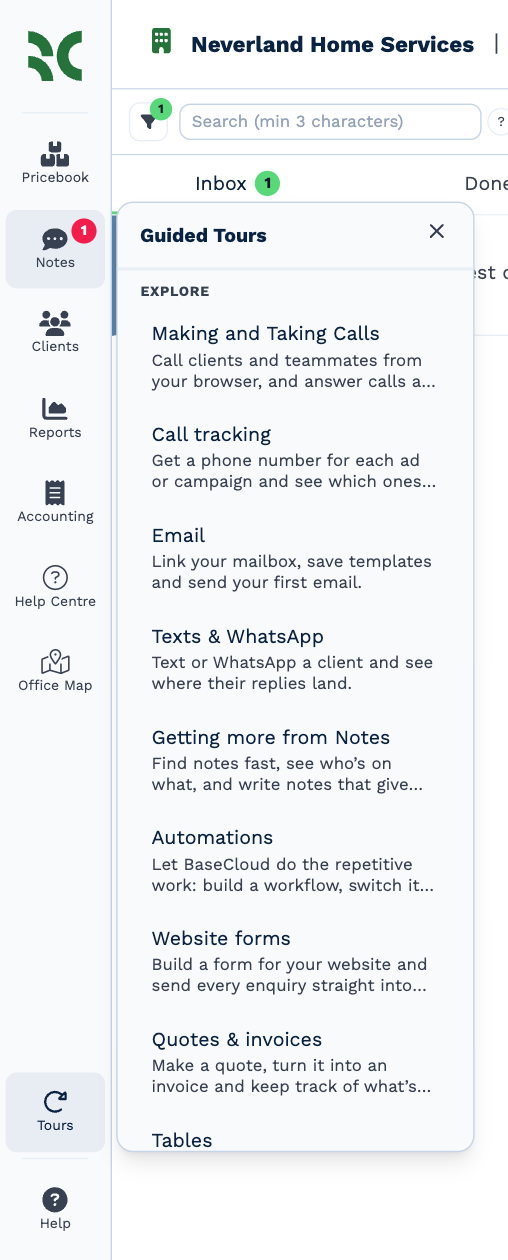
| Tours | Guided tours of the CRM. |
| Help | BaseCloud's help centre, in a new tab. |
You only see the items your rights allow — see Why can't I see something?.
The top bar
On the left, the account's name, and the team you're working in if you belong to one. Click the building icon to switch account.
On the right:
| Icon | What it does |
|---|---|
| Calendar | Opens your calendar over the page you're on. |
| Activity Log | What's changed in the account lately — see below. |
| Notifications | Progress of long jobs, such as an import, and important updates. See Notifications. |
| Phone | Make and take calls in the browser. |
| Your name | Your email address, Settings and Logout. |
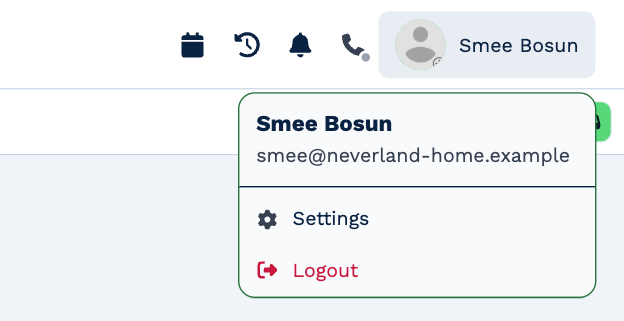
Settings opens the account's settings. Your own details are under Settings → Users — see Your profile.
The Activity Log
Click Activity Log to see who changed what, newest first, grouped by day.
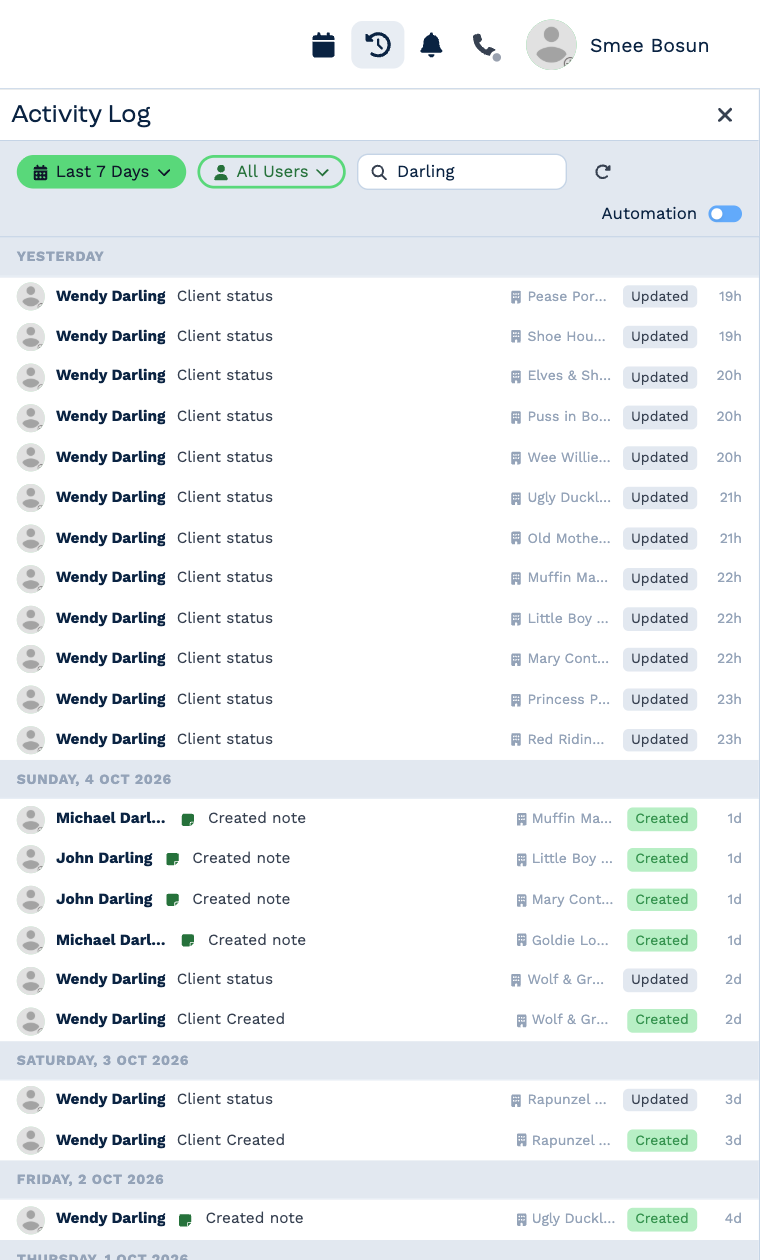
- Last 7 Days changes the dates.
- All Users narrows it to one person.
- Search finds a client or a change.
- Automation adds the changes your workflows made, which are hidden at first.
Guided tours
Click Tours at the bottom of the sidebar for short walkthroughs of the CRM — calls, email, texts and WhatsApp, notes, automations, website forms, quotes and invoices, and tables. A tour points at the real buttons as you go.
On a phone
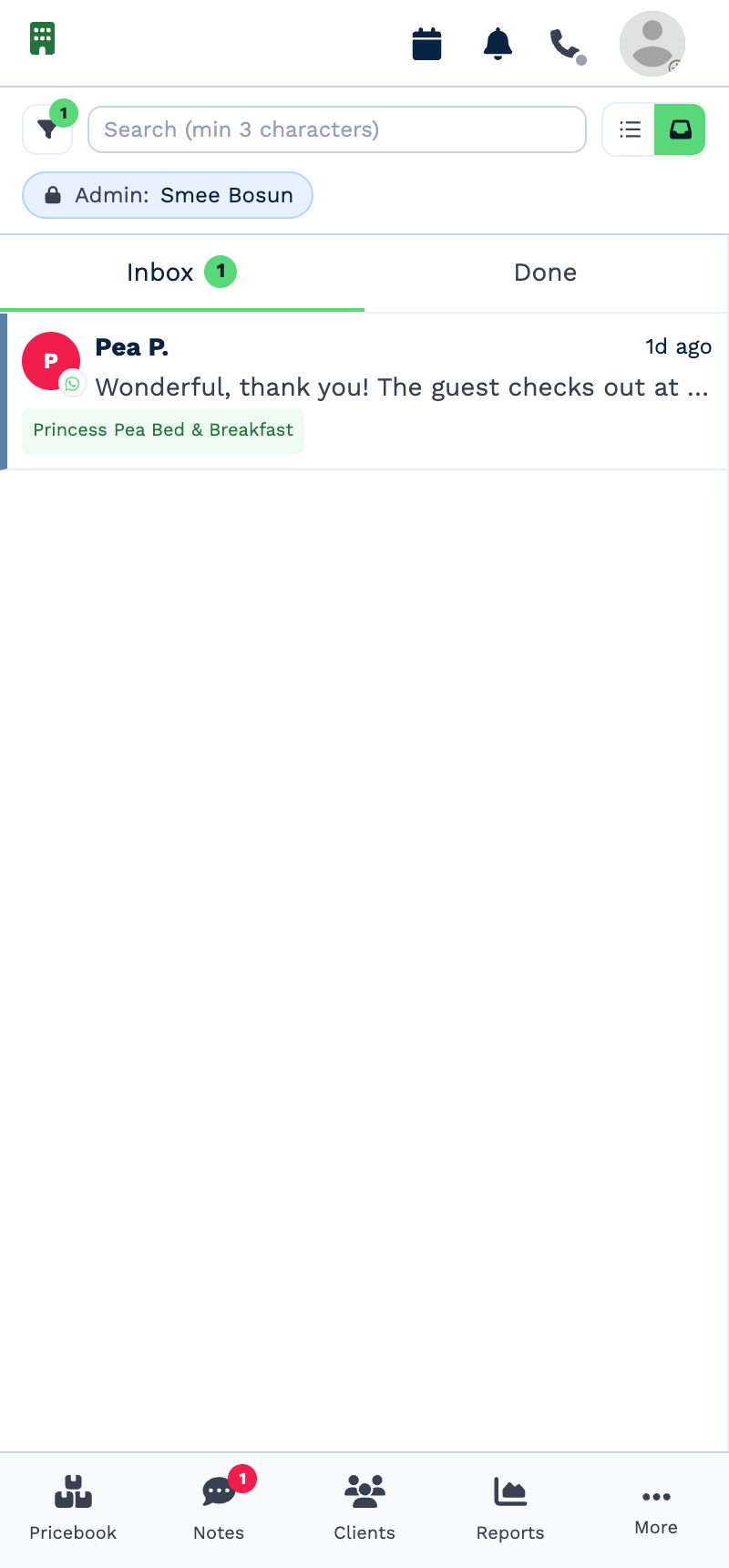
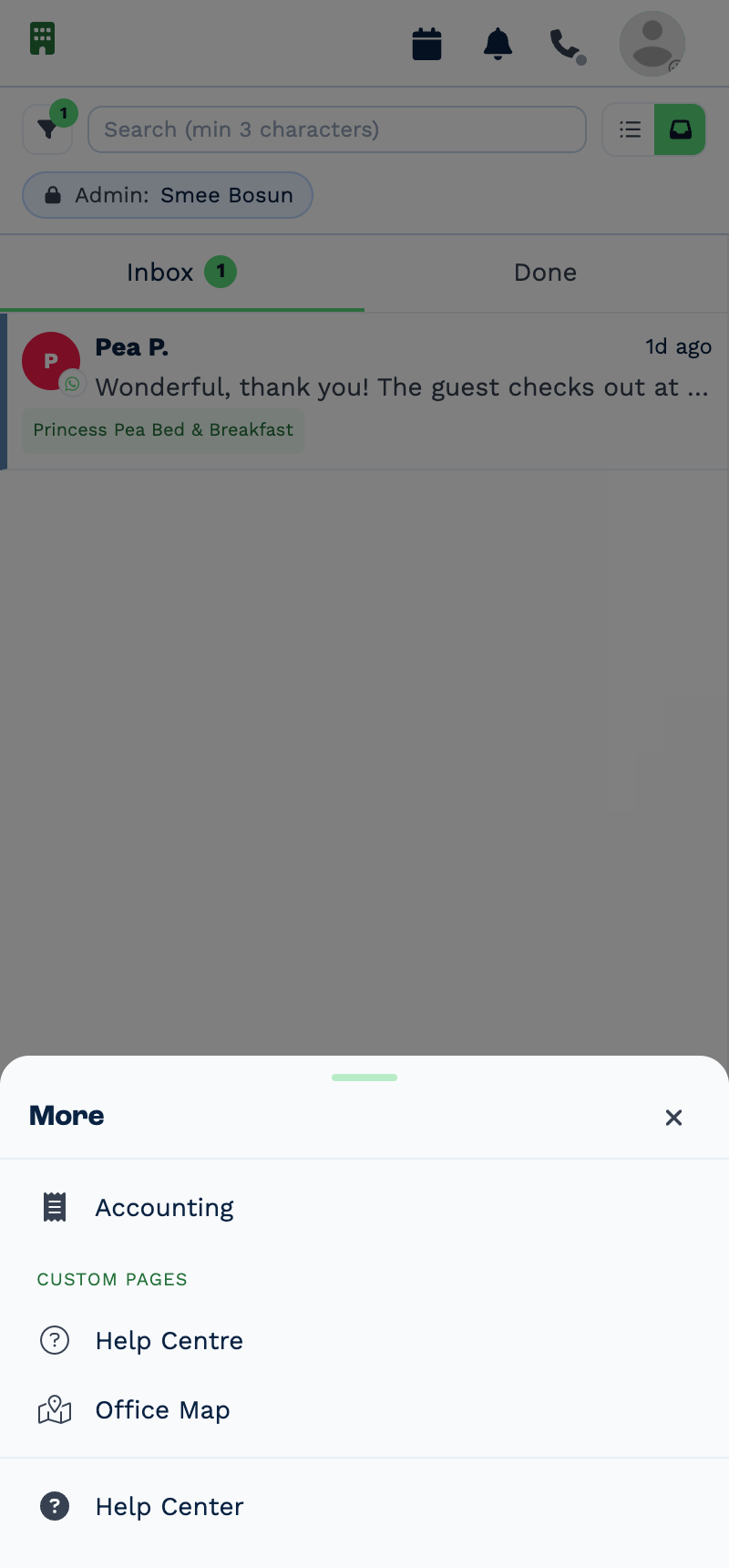
On a narrow screen the sidebar becomes a bar along the bottom. More holds the items that don't fit.