Why can't I see something?
What you can see and do in an account depends on your rights. Your administrator sets them for you under Settings → Users, or for your team under Settings → Teams — while you work in a team, the team's rights apply.
So two people in the same account can see different sidebars, and the same person can see different things in two accounts, or in two teams.
A page is missing from the sidebar
| Sidebar item | Needs |
|---|---|
| Notes, Clients | CRM Access |
| Reports | Reports Access |
| Accounting | View Invoices |
| Pricebook | View Invoices, in an account that uses a Pricebook |
| The account's own pages | A high enough Custom Field View Level for that page |
With none of these, you see No pages available when you open the account:
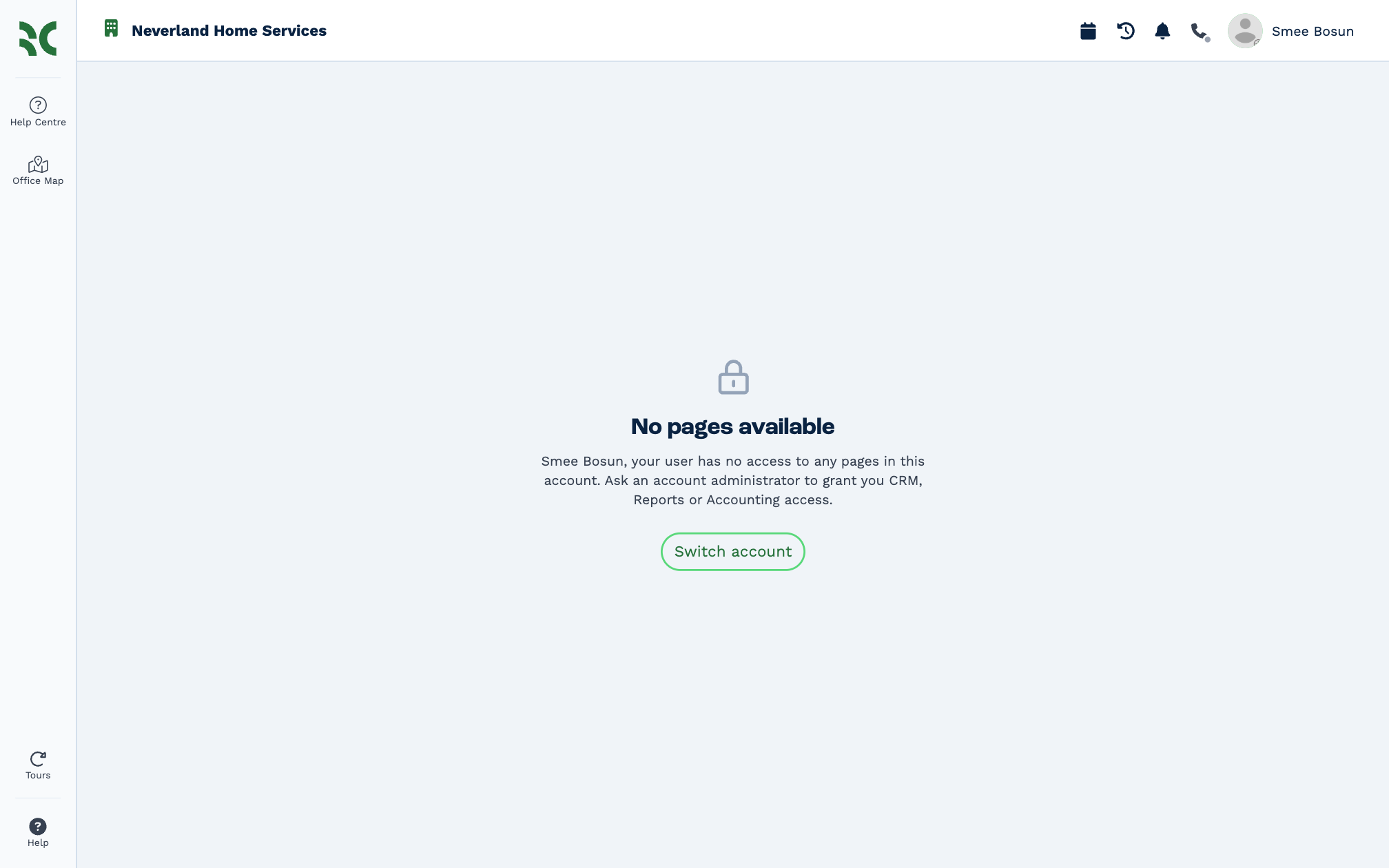
Ask an administrator for the access you need, or click Switch account to work in another account.
A button says no
When you try something your rights don't allow, the message names the right you need:
You need the Delete Clients right to delete clients. Ask an administrator.
Pass that message on to your administrator — it tells them exactly which switch to turn on.
Some buttons are greyed out with No access when you hover over them, and some settings pages show Read only — you can look, but not change anything.
A custom field is missing or locked
Each custom field has a level. You see a field if your Custom Field View Level is at least the field's level, and can change it if your Custom Field Edit Level is. Otherwise the message says which level the field needs and which level you have. See Custom fields.
The rights, and what they let you do
| Right | Lets you |
|---|---|
| CRM Access | Use clients and notes |
| View All Clients | See every client, not only your own |
| Reassign Clients | Change who a client belongs to |
| Export Clients | Export clients |
| Delete Clients | Delete clients |
| Bulk Edit | Edit many records at once |
| Send Bulk | Send bulk messages |
| Reports Access | Open reports |
| Files Access | Work with files |
| See and edit other people's calendars | Use other people's calendars |
| Create and change automations | Change workflows and their tasks |
| Manage Custom Fields | Change custom fields and custom tables |
| View Invoices | See quotes and invoices |
| Create Invoices | Create invoices and change the invoicing setup |
| Edit Invoices | Edit invoices |
| Export Invoices | Export invoices |
| Pay Invoices | Record payments |
| Reconcile Invoices | Reconcile invoices |
| Delete Invoices | Delete invoices |
| Manage Users | Manage users, teams and account settings |
| Add/Remove Users | Add or remove users |
| BC Account Access | Manage the account's BaseCloud billing and credit |
Each page in these docs starts with a Who can do this box listing the rights it needs, by these names.