Find your way around the calendar
Who can do this
Anyone. Seeing other people's calendars needs See and edit other people's calendars.
Click the calendar icon in the top bar to open the calendar, and the × at its top right (or the icon again) to close it.
Move around
- Today jumps back to today; the arrows beside it go back and forward a day, week or month.
- The small month on the left jumps to any date.
- In week view, click a day's heading to open that day. In month view, click a day.
- Refresh () fetches the latest. The calendar also updates on its own as meetings change.
Choose a view
Click the view button — Week to begin with — to switch between Day, Week and Month.
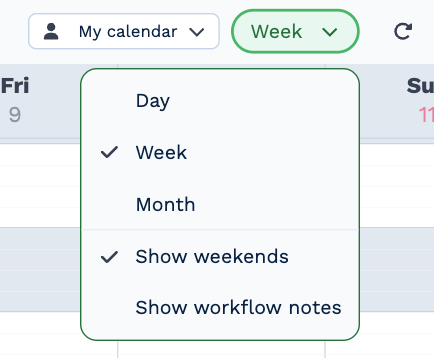
- Show weekends — untick it for a five-day week.
- Show workflow notes — adds a count of the notes due each day. Click it to see them.
BaseCloud remembers your view. Days and weeks start at 4 AM; scroll for earlier or later. A meeting that repeats shows a repeat icon.
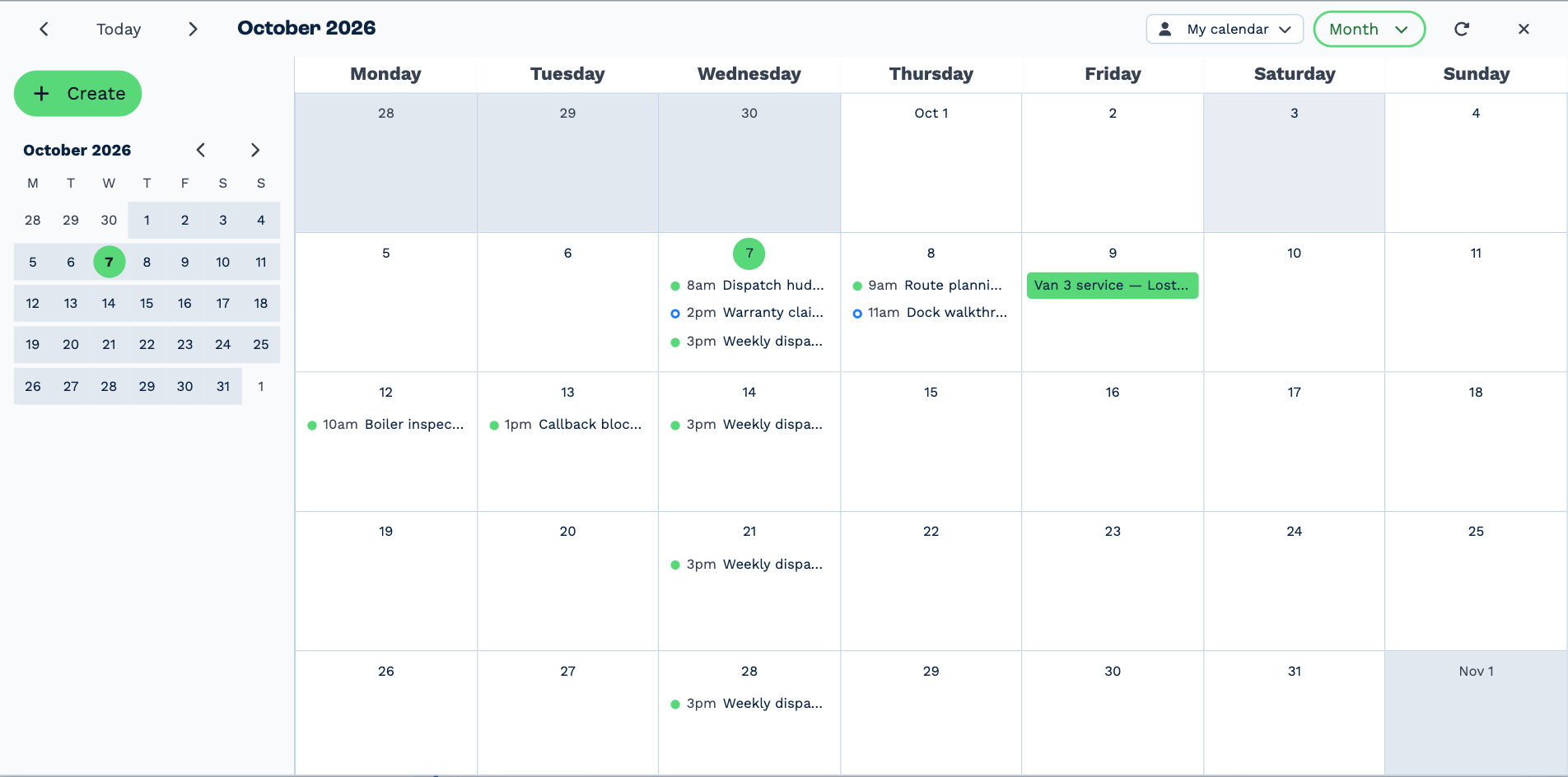
Month shows the whole month, with each day's meetings and their start times. A day with more than fit shows more — click it, or the day, to see them all.
See other people's calendars
Click My calendar at the top and tick the people you want to see. Each calendar gets its own colour, and the strip under the heading says whose you're looking at.
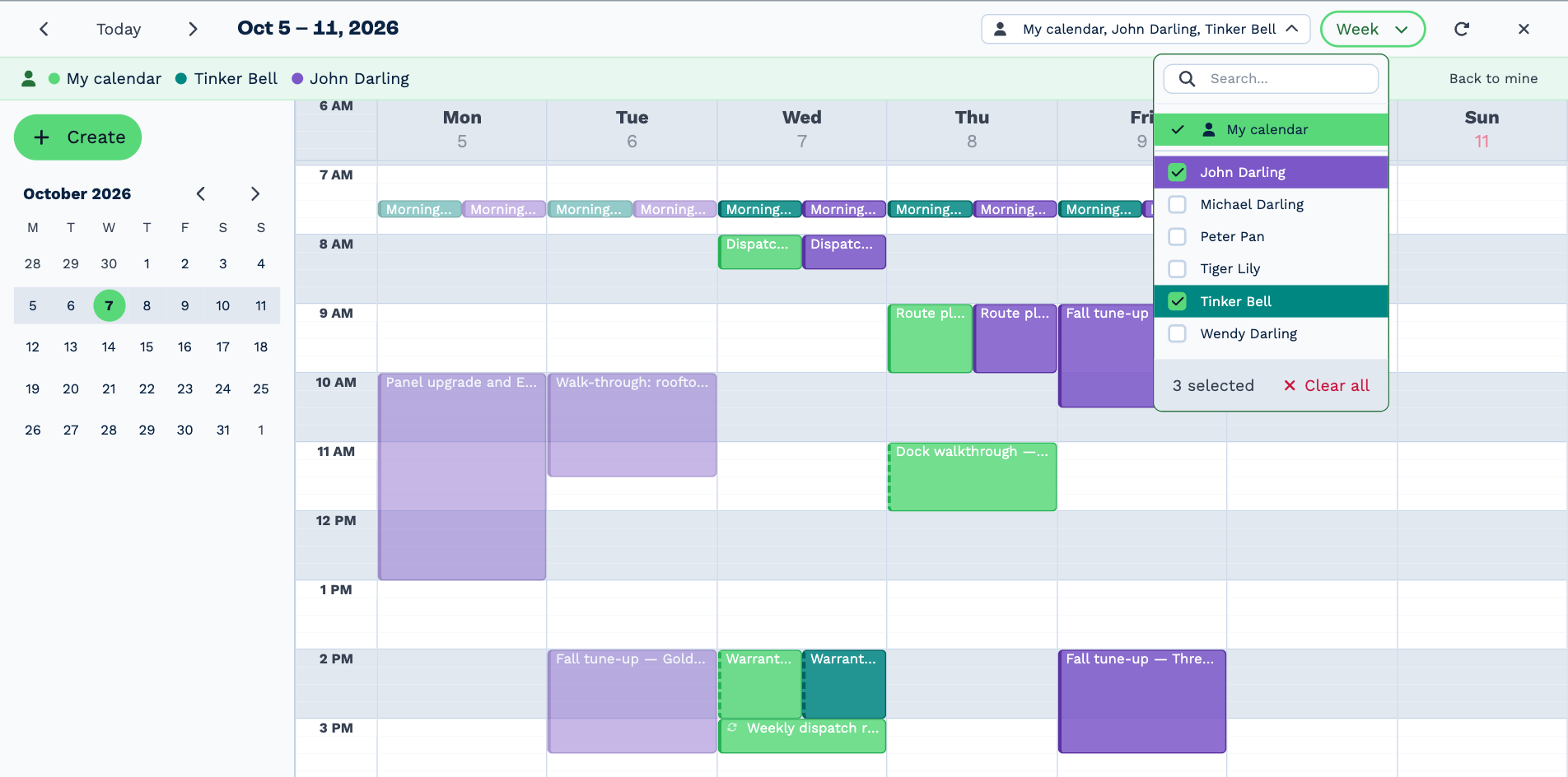
Back to mine shows only your own again. BaseCloud remembers who you picked.
You can open other people's meetings, and change the ones they organized. This needs See and edit other people's calendars — without it, the picker isn't shown. See Who can do what.
On a phone
The calendar fills the screen and opens in Day view. Swipe left and right to move between days, and tap a meeting to open it. Meetings can't be dragged to a new time on a phone; open one and change its time instead.