Choose an account
An account is one business's CRM: its clients, notes, invoices and settings. After you sign in, BaseCloud lists every account you've been added to.
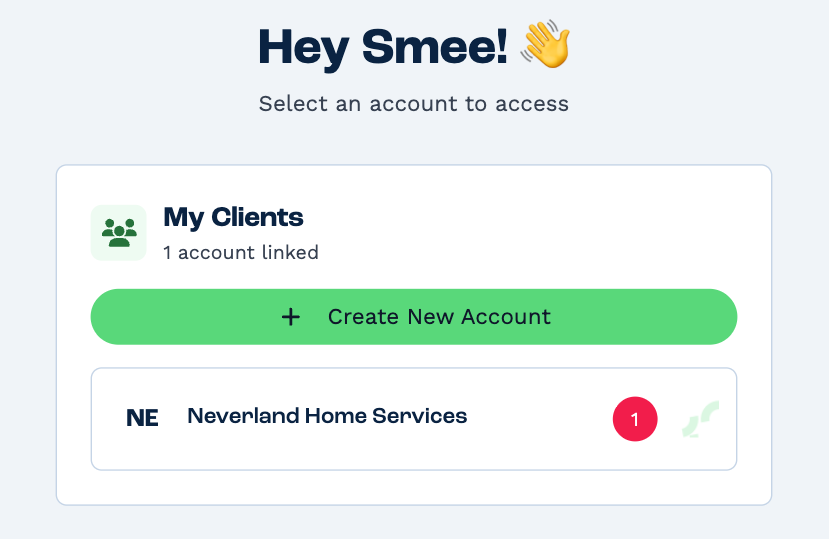
Click an account to open it. You land on your landing page — usually your Inbox.
The red badge counts what's waiting in your Inbox there: notes due now that are assigned to you, and open text and WhatsApp conversations that are yours or not yet assigned. It shows where you're needed when you work for several businesses.
Create New Account sets up a separate, new BaseCloud account. You don't need it to join your company's — someone there adds you, and their account appears in this list.
Switch to another account
Click the BaseCloud logo at the top of the sidebar, or the building icon next to the account's name, to come back to this list. Then pick another account. On a phone, use the building icon.
Each account keeps its own settings, teams and rights, so you may see different pages in each one.