Text and WhatsApp conversations
Each open text or WhatsApp conversation is one row in the Inbox, showing its latest messages.
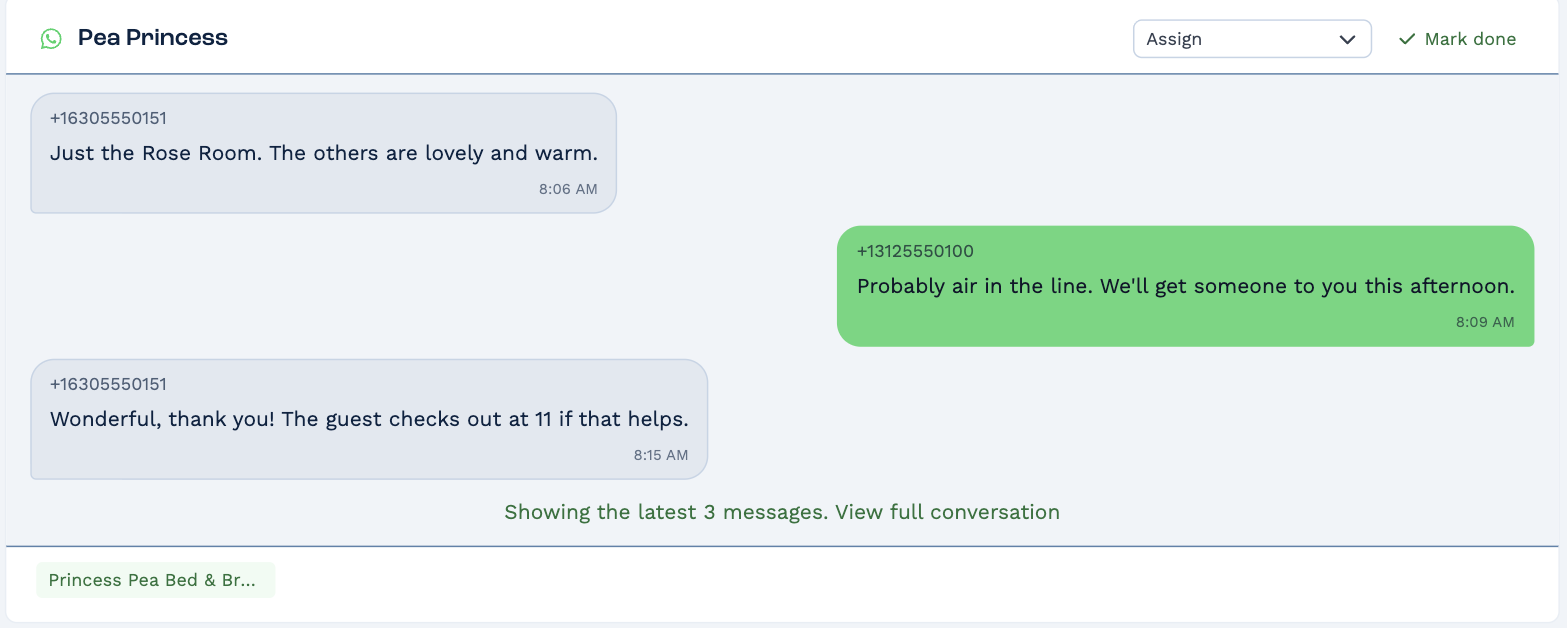
- A conversation that isn't assigned to anyone shows in everyone's Inbox.
- One that's assigned shows only for that person.
Assign a conversation
Pick a person in the Assign dropdown. It leaves everyone else's Inbox and stays in theirs.
Read and reply
Click the messages, or View full conversation, to open the whole conversation and reply. Unread messages are marked Unread.
Mark it done
Click Mark done when nothing more is needed. It moves to your Done tab, where Re-open brings it back.
A conversation from a number BaseCloud doesn't know has no Mark done — link it to a client first, the same way as an unmatched email.