Create and manage dashboards
Who can do this
Anyone with Reports Access. Dashboards are shared by everyone on the account, so a change you make is a change for everybody.
Everything for dashboards is in the bar at the top of Reports.

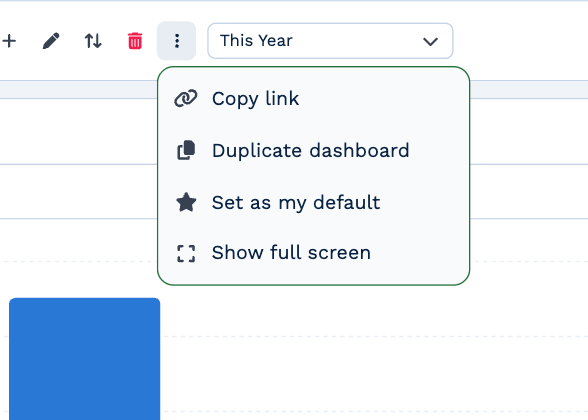
From the left: the dashboard picker, Add dashboard (+), Rename dashboard (pencil), Reorder dashboards (arrows), Delete dashboard (bin), a ⋮ menu, and the date range. On the right: Refresh now, full screen, and Add Card.
Switch dashboards
Click the dashboard picker and choose one. BaseCloud remembers the one you were last on.
Create a dashboard
- Click + (Add dashboard).
- Type a Dashboard name, up to 100 characters.
- Under Start from a template, choose Blank dashboard or a template. A template adds a set of cards for you, and you can change or remove any of them afterwards.
- Click Create Dashboard (with a template it reads Create Dashboard and Cards).
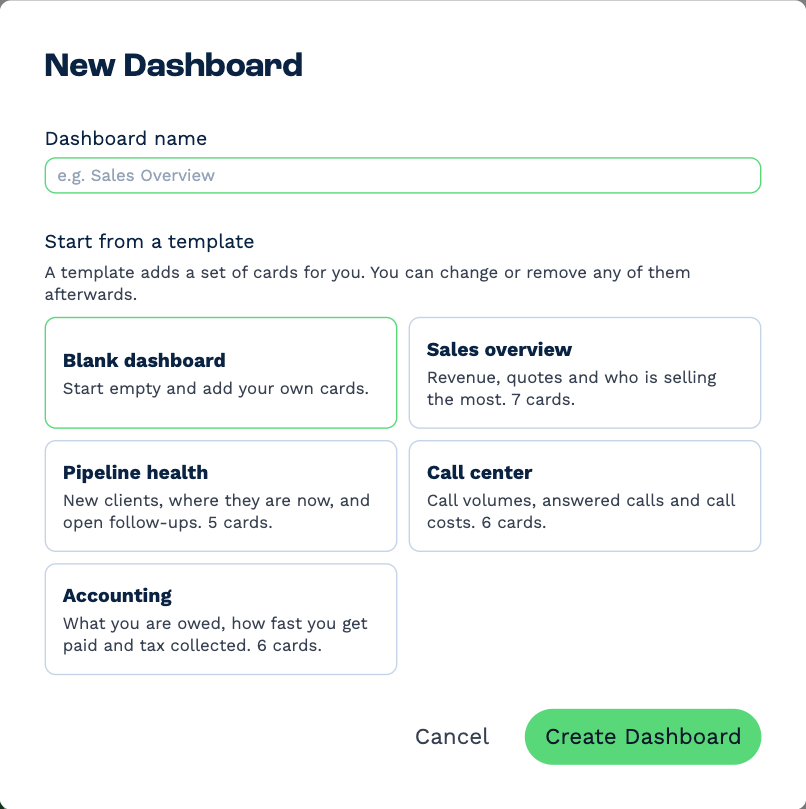
| Template | What it gives you |
|---|---|
| Sales overview | Revenue, quotes and who is selling the most. 7 cards. |
| Pipeline health | New clients, where they are now, and open follow-ups. 5 cards. |
| Call center | Call volumes, answered calls and call costs. 6 cards. |
| Accounting | What you are owed, how fast you get paid and tax collected. 6 cards. |
Rename a dashboard
Click the pencil, change the name and click Save.
Change the order
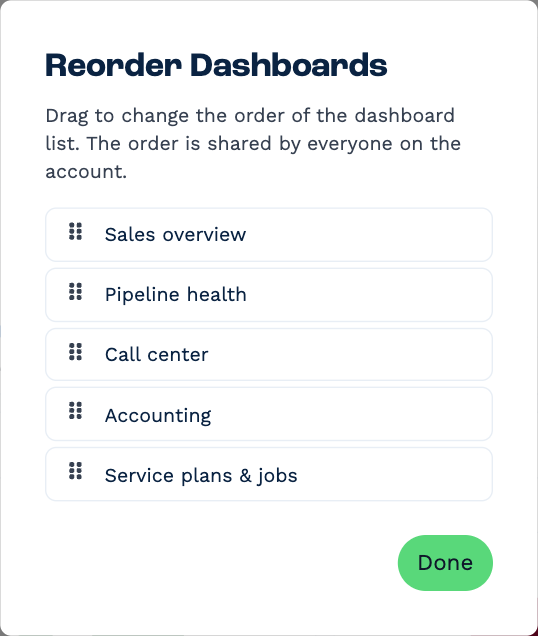
Click the arrows (Reorder dashboards), drag the dashboards into the order you want, then click Done. The order is shared: it changes the picker for everyone on the account.
Duplicate a dashboard
Click ⋮, then Duplicate dashboard. You get a copy called name (copy) with the same cards, ready to change.
Choose the dashboard you open on
Click ⋮, then Set as my default. Reports opens on that dashboard for you from then on. This is yours alone, and it's remembered by the browser you set it in. To undo it, open the menu again and click Stop opening this first.
Delete a dashboard
Click the bin (Delete dashboard). BaseCloud asks you to type delete to confirm.
Deleting a dashboard deletes its cards
The dashboard and every card on it go, for everyone on the account, and it can't be undone. To keep a card, move it to another dashboard first (Add and change cards).